Shop parts by
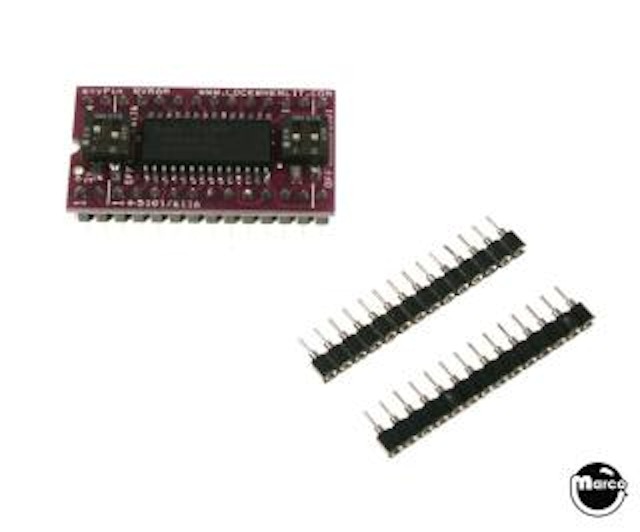
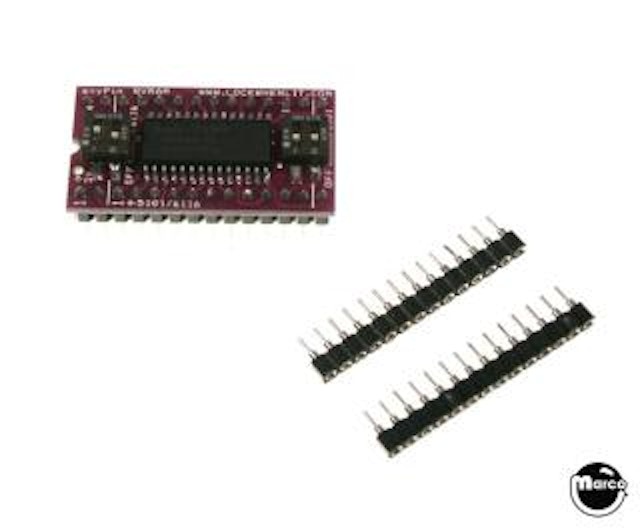
NVRAM replacement for 5101, 6116, 6264 RAM ICs
This product is not currently available.
CALIFORNIA WARNING
This product can expose you to chemicals known to the State of California to cause cancer and reproductive harm. For more information, go to https://www.p65warnings.ca.gov.
anyPin NVRAM Battery Eliminator 5101/6116/6264 module
Say goodbye to pinball CPU batteries.
The new anyPin module replaces all typical pinball CPU Random Access Memory (RAM) integrated circuits and eliminates the need for battery backup memory with the use of NVRAM (Non Volatile RAM) technology.
The module includes new IC socket strips and printed installation instructions.
No soldering is required for installation on games with RAM chips that have a factory installed socket for easy removal of the RAM chip itself (Data East and Stern White Star), but it is recommended to de-solder and replace the old IC socket on those circuit boards with the included new IC sockets for increased reliability. De-soldering the factory RAM chip and installing the included IC socket is also required to install this NVRAM on Bally 2518, Bally 6803, Williams System 3 - 11, WPC89, and WPC95 circuit board sets.
This NVRAM can be used with Gottlieb System 80, System 80A, and System 80B, not for use with System 1 or System 3.
To Replace a 5101 RAM
Set the two 5101 DIP switches on the right side of the board to the ON position.
Set the two 6116/6264 DIP switches to the OFF position.
Install PIN 1 on the anyPin board into the socket matching PIN 1 of the old 5101/6116 on your CPU board.
Two pins on the outer socket strip will NOT BE USED on the front of the anyPin board and one pin on the back WILL NOT BE USED.
The extra overhanging pins should not touch the CPU board, components or pads on the board.
To Replace a 6116 RAM
Set the 6116 DIP switch to the ON position. ALL other DIP switches need to be set to the OFF position
Install the anyPin module into the socket matching the 5101/6116 PIN 1 on the module to PIN 1 of the socket
The center pins on the underside of the anyPin module are not used for the 6116 configuration. The two pins on each side of the front of the module will not be used. The extra pins that overhang should not touch the board, components or pads.
To Replace a 6264 RAM
Set the 6264 DIP switch to the ON position. ALL other DIP switches need to be set to the OFF position
AlignPIN 1 on the anyPin module to PIN 1 of the socket. The center pins on the underside of the module are not used for the 6264 configuration.
To Replace a 62256 RAM
Williams WPC CPU boards had the ability to work with 6264 or 62256 RAM chips, so a few CPUs shipped from the factory with a 62256 RAM instead of 6264. If your board has a 62256 RAM, jumper W3 will need to be removed, and a 1.5K resistor will be placed in the spot for R93. This allows the 6264 anyPin configuration to work properly.
Re-Using Existing Sockets
Reusing the existing socket on the CPU for installation of the anyPin module is possible, but for long term reliability the use of the included machine pin SIP sockets is recommended. This requires unsoldering the old socket and installing the new SIP sockets.
6116/6264 installation using the existing RAM socket may require the clipping of the center supports of the socket to accommodate the center pins on the anyPin module. Alternately, anyPin module can be inserted into the included machine pin SIP sockets, stacking the connector higher to allow proper clearance.
Precautions:
The notch on the anyPin module must be oriented in the same direction as the screened notch on the CPU board. Failure to align the notch properly WILL DESTROY the moduile. Such damage is not covered by warranty.
Reference:
77-AR5101
Williams 5A-9017
Bally E-00620-0042
Gottlieb XO356
5101
P5101L
5101L3
D5101L
D5101L-3
D5101LC
D5101LC-1
HA35101-5
M5M5101
MWS5101EL-3
S5101L-1
SCM5101C
SCM5101E
SCM5101E-3
UPD5101LC
SCM5101C
TC5517-BPL
2016
MK6116N-15
NTE2128
6116LP
6116P
CDM6116AE3
TC5516
UPD4016
105-0052-05
IDT6116SA35TP
CY7C128A-35PC
M58725P
5340-09878-00
5340-12278-00
XO-781
105-5046-00
HM6264P
62256 (with modifications)
AnyPIN RAM
Select manufacturer to view game compatibility